Top 10 Tools Every Digital Freelancer Needs in 2026
Running a successful freelance business in 2026 requires more than just talent. You need the right tools to work faster, deliver better results, and get paid on time. I’ve tested dozens of software programs over the past few years, and these are the 10 tools I use daily as a digital freelancer.
The best part? Most of these tools have free versions or affordable paid plans. Each one includes an affiliate link, which means if you sign up through my link, I may earn a small commission at no extra cost to you. This helps support my content while you get the tools you need to succeed.
Why You Need the Right Freelance Tools
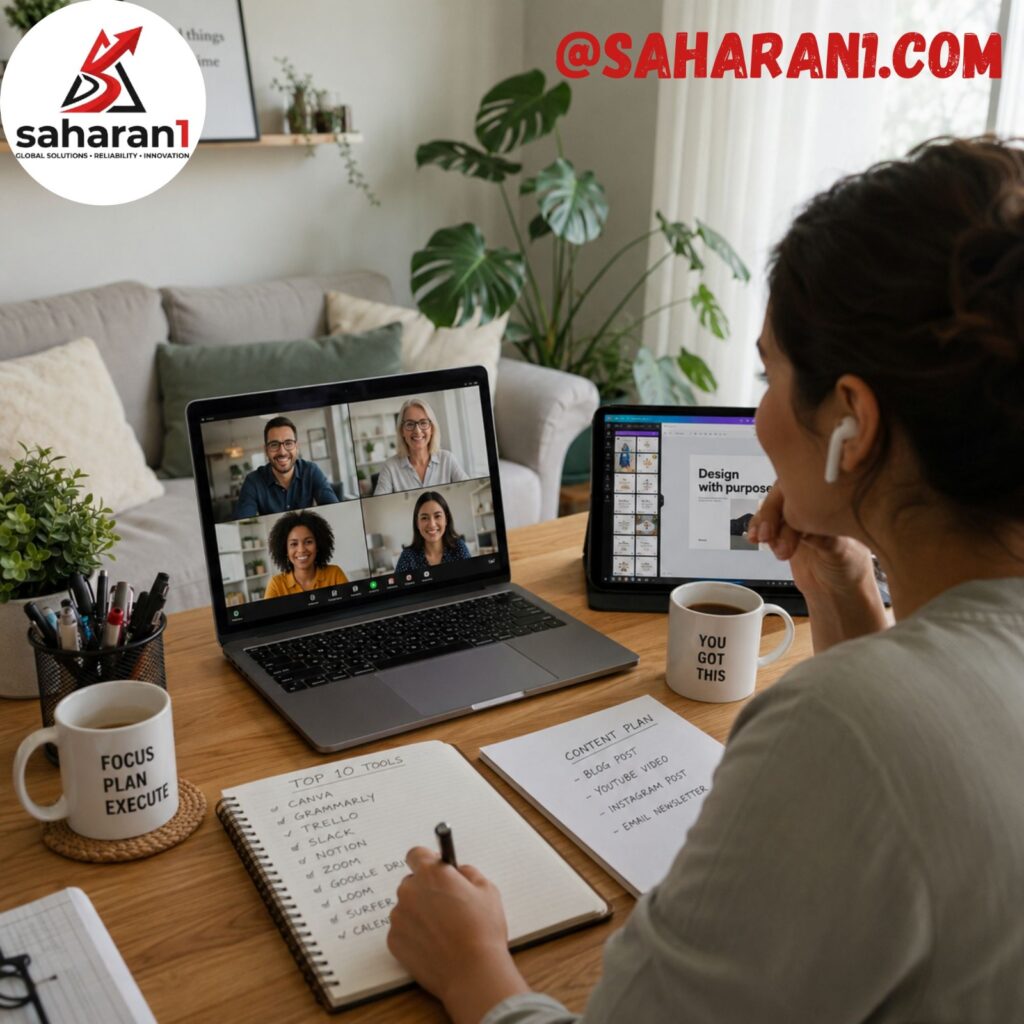
Let me be honest: I used to try doing everything manually. I wrote proposals in regular email, designed graphics in MS Paint, and tracked time with a notebook. It was a mess. I wasted hours every week on admin work instead of focusing on client projects.
Once I invested in the right freelance tools, everything changed. I completed projects faster, looked more professional, and actually started charging higher rates. The tools themselves paid for themselves within the first month.
If you’re serious about freelancing, stop trying to cut corners. These 10 tools will save you 10–20 hours per week and help you land better clients.
1. Canva — Create Professional Designs in Minutes
Get Canva Pro Free Trial
Canva is the must-have tool for every digital freelancer, even if you’re not a designer. I use it daily for social media graphics, client presentations, proposals, and even simple logos.
What Makes Canva Essential
Before Canva, I spent hours learning Photoshop just to make a basic Instagram post. Now I create polished designs in under 10 minutes using Canva’s drag-and-drop interface and thousands of templates.
Key Features
- 50,000+ professional templates for any purpose
- Magic Resize – Turn one design into multiple formats instantly
- Brand Kit – Save your colors, fonts, and logos for consistency
- AI Image Generator – Create custom images with text prompts
- Free version available with 250,000+ templates
Who Should Use It
- Social media managers
- Content creators
- Marketing freelancers
- Any freelancer who needs visuals
Pricing
- Free plan: Great for beginners
- Canva Pro: $12.99/month (worth every penny for freelance work)
- Canva Teams: $14.99/user/month for agencies
My recommendation: Start with the free version, then upgrade to Pro once you’re landing clients. The time you save pays for the subscription immediately.
2. Grammarly — Write Flawless Proposals and Emails
Get Grammarly Premium Free Trial
Clear, professional communication wins clients. Grammarly is the best writing assistant for freelancers. It catches grammar mistakes, improves tone, and ensures your proposals sound polished.
Why Grammarly Changed My Freelance Game
I used to send proposals with typos and awkward phrasing. It hurt my credibility. Since using Grammarly, my conversion rate increased because clients see me as more professional and detail-oriented.
Key Features
- Real-time grammar and spelling checks
- Tone detection – Know if you sound confident or desperate
- Clarity suggestions – Make complex sentences easier to read
- Plagiarism checker (Premium) – Ensure original content
- Browser extension – Works everywhere (Gmail, Upwork, LinkedIn)
Who Should Use It
- Content writers and copywriters
- Virtual assistants
- Email marketers
- Any freelancer who writes client communications
Pricing
- Free plan: Basic grammar and spelling checks
- Premium: $12/month – Full grammar, tone, and clarity features
- Business: $15/member/month for teams
Here’s the truth: Even if you’re a native English speaker, Grammarly Premium pays for itself by preventing embarrassing mistakes in client emails. It’s the cheapest insurance for your professional reputation.
3. Zoom — Professional Client Meetings That Build Trust
Start Using Zoom Free
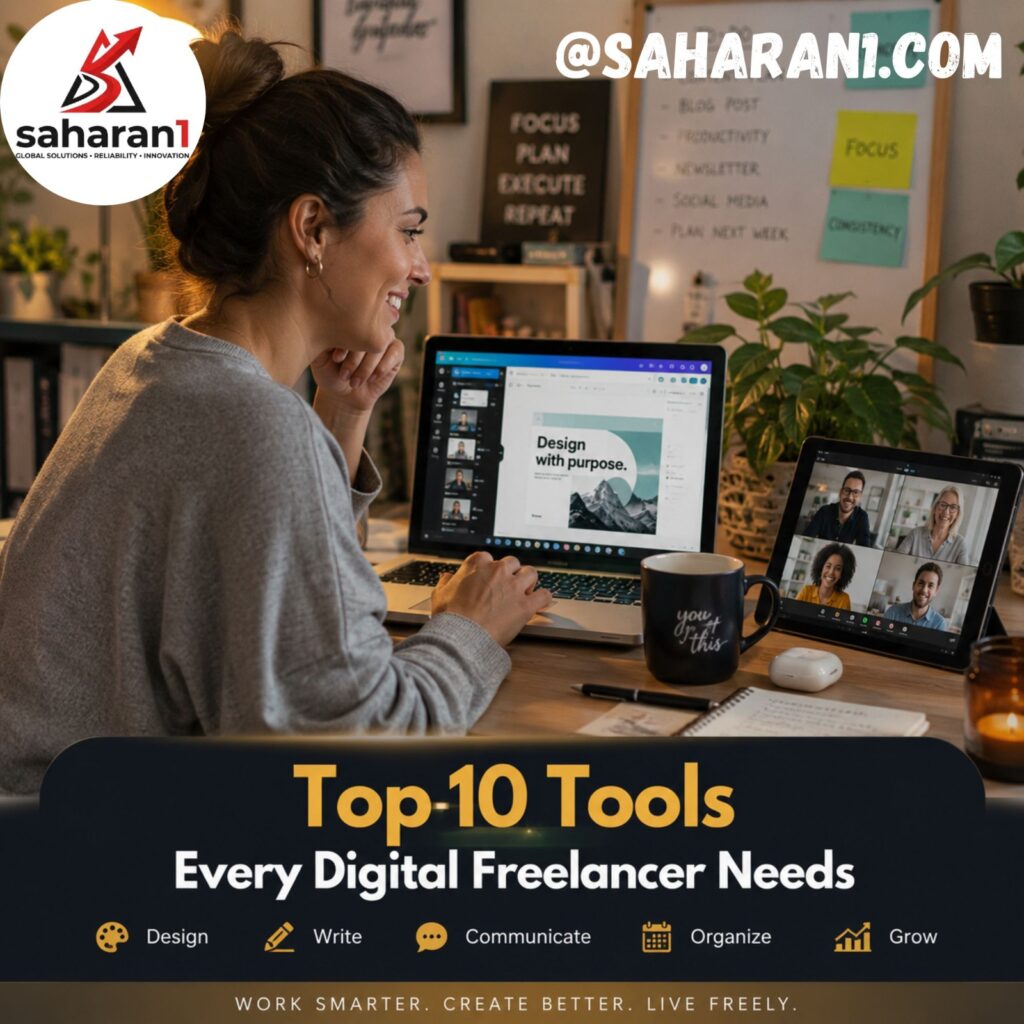
Video calls are the standard for client communication in 2026. Zoom remains the most reliable video conferencing tool for freelancers. It’s how I onboard new clients, present work, and build relationships.
Why Video Calls Matter More Than Text
Clients hire people they trust. A 15-minute video call builds more trust than 100 emails. Zoom makes it easy to look professional, share your screen, and show your work in real time.
Key Features
- 720p HD video on free plan
- 40-minute group calls (free) or unlimited (paid)
- Screen sharing – Present your work live
- Recording – Save client meetings for reference
- Background blur – Look professional even from home
Who Should Use It
- All freelancers who work with clients remotely
- Consultants and coaches
- Developers doing code reviews
- Designers presenting concepts
Pricing
- Free plan: 1-on-1 calls unlimited, group calls 40 minutes
- Pro: $14.99/month – Unlimited group calls, cloud recording
- Business: $19.99/user/month for teams
My tip: Use the free plan to start. When you land your first retainer client, upgrade to Pro for unlimited meetings and cloud recording.
4. Notion — Organize Your Entire Freelance Business
Get Notion Free
Notion is more than a note-taking app. It’s my freelance operating system. I use it for project management, client tracking, content calendars, invoicing logs, and even as a personal CRM.
How Notion Replaced 5 Other Tools
Before Notion, I used Trello for projects, Google Docs for notes, Excel for invoicing, and email for client info. Notion replaced all of them. Now everything lives in one place, and I can find anything in seconds.
Key Features
- Custom databases – Track clients, projects, invoices
- Templates – Pre-built freelance business templates
- Task management – Kanban boards, calendars, lists
- Collaboration – Share workspaces with virtual assistants
- Free for personal use with unlimited pages
Who Should Use It
- Freelancers managing multiple clients
- Content creators with editorial calendars
- Agencies with teams
- Anyone who wants to organize their business
Pricing
- Personal: Free – Unlimited pages and blocks
- Personal Pro: $4/month – Unlimited file uploads and version history
- Team: $8/user/month – Collaboration features
Start with the free version. Download a freelance business template, and you’ll have your entire system set up in under 30 minutes.
5. ChatGPT — Your AI Assistant for Faster Work
Try ChatGPT Plus
AI is no longer optional in 2026. ChatGPT is my go-to AI assistant for brainstorming, writing drafts, coding help, and even drafting client emails. It cuts my work time in half.
How I Use ChatGPT Daily
- Writing blog post outlines in 2 minutes
- Rewriting awkward client emails
- Generating social media captions
- Debugging code snippets
- Creating project proposals
Key Features
- Advanced language model for natural conversations
- Code generation and debugging
- Document analysis – Upload files for summarization
- Custom instructions – Train it on your writing style
- Free version available with solid capabilities
Who Should Use It
- Content writers and copywriters
- Developers and coders
- Marketers creating campaigns
- Any freelancer who wants to work faster
Pricing
- Free plan: GPT-3.5 with solid performance
- Plus: $20/month – GPT-4, faster responses, priority access
- Team: $25/user/month for agencies
Even the free version is powerful enough for most freelancers. Upgrade to Plus only if you need GPT-4 for complex tasks.
6. Trello — Simple Project Management for Freelancers
Get Trello Free
Trello is the easiest project management tool for freelancers. It uses a visual board system where you move tasks from “To Do” to “Doing” to “Done.” Perfect for managing multiple client projects at once.
Why I Switched to Trello
I used to track projects in my head (big mistake). I’d forget deadlines, miss deliverables, and stress constantly. Trello made everything visual. Now I can see at a glance what needs attention.

Key Features
- Kanban boards – Drag-and-drop task management
- Due dates and reminders – Never miss a deadline
- Checklists – Break projects into steps
- Integrations – Connect with Google Drive, Slack, Zoom
- Free plan covers solo freelancers completely
Who Should Use It
- Freelancers juggling 3+ clients
- Creative professionals with multiple projects
- Virtual assistants managing tasks
- Beginners who want simple project management
Pricing
- Free: Unlimited cards, up to 10 boards
- Standard: $5/user/month – Unlimited boards, custom fields
- Premium: $10/user/month – Advanced views and automation
The free plan is perfect for solo freelancers. Upgrade only when you hire help or need advanced views like calendar or timeline.
7. PayPal — Get Paid Globally Without Hassle
Open PayPal Business Account
Payment processing is critical for freelancers. PayPal is the most widely accepted payment method globally. Clients trust it, and it works in almost every country including Pakistan.
Why PayPal Is Essential for International Freelancing
I tried receiving payments via bank transfer, Western Union, and crypto. PayPal is by far the easiest. Clients can pay instantly, and I can withdraw to my local bank account within 1–3 days.
Key Features
- Accept payments from 200+ countries
- Multiple currencies – USD, EUR, GBP, PKR
- Instant transfer option (small fee)
- Invoice feature – Create professional invoices
- Buyer and seller protection
Who Should Use It
- All international freelancers
- E-commerce sellers
- Digital product creators
- Anyone receiving payments from abroad
Pricing
- Personal: Free to receive payments
- Business: Free to set up, transaction fees apply (2.9% + $0.30 per transaction)
- Currency conversion: 3–4% fee on exchange rates
Yes, PayPal fees are higher than some alternatives. But the convenience and trust factor make it worth it, especially when starting out. Once you’re earning consistently, explore options like Wise or Payoneer for lower fees.
8. Toggl Track — Track Time and Prove Your Value
Start Using Toggl Free
If you charge hourly or want to understand how long tasks take, time tracking is non-negotiable. Toggl Track is the simplest and most accurate time tracker for freelancers.
How Time Tracking Improved My Pricing
I used to undercharge clients because I didn’t know how long tasks actually took. After tracking time for 3 months with Toggl, I realized I was working 30% more than I thought. I raised my rates accordingly and earned more with the same hours.
Key Features
- One-click timer – Start/stop with a button
- Project categorization – Track time per client
- Detailed reports – See where your time goes
- Idle detection – Don’t charge for breaks
- Free plan includes all essential features
Who Should Use It
- Hourly freelancers who bill by time
- Anyone wanting to improve productivity
- Freelancers transitioning from fixed to hourly pricing
- Agencies tracking team time
Pricing
- Free: Unlimited tracking, 5 project templates, basic reports
- Starter: $9/user/month – Advanced reports, billable rates
- Premium: $18/user/month – Automated tracking, schedules
The free plan is enough for most solo freelancers. Toggl pays for itself by helping you identify time-wasting activities and charge accurately.
9. Google Workspace — Professional Email and Cloud Storage
Get Google Workspace Free Trial
Your email address matters. yourname@gmail.com looks amateur. hello@yourdomain.com looks professional. Google Workspace gives you custom email with Gmail’s interface plus 30GB cloud storage.
Why Professional Email Wins Clients
Early in my freelance career, I sent proposals from saharan1234@gmail.com. Clients didn’t take me seriously. After switching to contact@myfreelancesite.com, my response rate increased noticeably.
Key Features
- Custom domain email –
you@yourdomain.com - 30GB cloud storage – Google Drive, Docs, Sheets
- Gmail interface – You already know how to use it
- Calendar and Meet – Schedule meetings and video call
- Works on mobile – Gmail app on phone
Who Should Use It
- All freelancers with a personal brand
- Anyone serious about building a business
- Consultants and coaches
- Agency owners
Pricing
- Business Starter: $6/user/month – Custom email, 30GB storage
- Business Standard: $12/user/month – 2TB storage, more meeting features
This is the cheapest professional upgrade you can make. $6/month for a custom email that makes you look established is a no-brainer.
10. Slack — Client Communication Without Email Chaos
Start Using Slack Free
Email is for contracts. Slack is for daily communication. Many clients prefer Slack for quick updates, file sharing, and real-time collaboration. Having a Slack workspace makes you look like a professional partner, not a random freelancer.
How Slack Improved My Client Relationships
Instead of email threads with 50 replies, I create a Slack channel per project. Everything is organized, searchable, and instant. Clients love the convenience, and I look more integrated into their team.
Key Features
- Channels per project – Keep conversations organized
- File sharing – Send images, documents, links instantly
- Video calls – Built-in huddles for quick chats
- Integrations – Connect with Google Drive, Trello, Zoom
- Free plan works great for freelancers
Who Should Use It
- Freelancers with ongoing retainer clients
- Remote team members
- Developers working with tech companies
- Anyone tired of email clutter
Pricing
- Free: 90-day message history, 10 app integrations
- Pro: $7.25/user/month – Unlimited history, more integrations
- Business+: $12.50/user/month – Advanced security and compliance
Use the free plan to start. Most individual freelancers don’t need paid features unless you’re managing large teams.

Quick Comparison of All 10 Tools
| Tool | Best For | Free Version | Paid Starting Price |
|---|---|---|---|
| Canva | Design work | Yes | $12.99/month |
| Grammarly | Writing | Yes | $12/month |
| Zoom | Video calls | Yes | $14.99/month |
| Notion | Organization | Yes | $4/month |
| ChatGPT | AI assistance | Yes | $20/month |
| Trello | Project management | Yes | $5/month |
| PayPal | Payments | Yes | Transaction fees |
| Toggl Track | Time tracking | Yes | $9/month |
| Google Workspace | Professional email | Trial only | $6/month |
| Slack | Communication | Yes | $7.25/month |
Which Tools Should You Start With?
You don’t need all 10 tools immediately. Here’s my starter pack for new freelancers:
If You’re Just Starting Out (Free Stack)
- Canva Free – For all design work
- Grammarly Free – For writing checks
- Zoom Free – For client calls
- Notion Free – For organization
- PayPal Free – For payments
Total cost: $0/month
If You’re Earning Consistently (Pro Stack)
- Canva Pro – $12.99/month
- Grammarly Premium – $12/month
- Zoom Pro – $14.99/month
- Google Workspace – $6/month
- Toggl Track – $9/month
Total cost: ~$55/month
The Pro stack pays for itself by helping you work faster, charge more, and look professional.
Final Thoughts: Invest in Tools That Pay for Themselves
These 10 tools transformed my freelance career from chaotic side hustle to profitable business. They save me 15+ hours per week, help me charge higher rates, and make clients trust me more.
Don’t wait until you’re “making enough money” to invest in tools. Start with the free versions, then upgrade as you land clients. The right tools will pay for themselves within your first project.
Ready to level up your freelance business? Start with the tools that match your current needs. Click the affiliate links above to get started, and remember: I may earn a small commission if you sign up through my links, at no extra cost to you. This support helps me keep creating free content for freelancers like you.
Your freelance success starts with the right toolkit. Pick 2–3 tools from this list, set them up today, and notice the difference in your productivity within one week.