
November 15, 2026
Free Resume Builder: Build a Professional CV in Minutes

Free Resume Builder: Build a Professional CV in Minutes
A good resume opens doors, and a bad one closes them in seconds. Recruiters spend only six to eight seconds on the first pass of a resume, so your CV must look clean, read fast, and prove you can do the job. A free resume builder does the hard formatting work for you: you type in your details, pick a template, and download a professional PDF. This guide explains how to build one in five steps, how to make it pass automated screening, and which mistakes to avoid.
What Is a Free Resume Builder?
A free resume builder is an online tool that turns your job details into a formatted resume. You enter your name, work history, education, and skills, and the tool arranges them into a clean layout with proper headings, spacing, and fonts. Many builders also check your resume against the job description and score how well it matches.
The demand is large: the phrase “free resume builder” gets about 60,000 searches a month, and the broader term “resume builder” gets about 368,000 searches a month in the United States. Builders exist because formatting a resume from scratch in Word is slow and frustrating, especially when you need it to look professional and pass automated checks. The best free builders ask for no credit card to start, offer clean templates, and let you download a PDF. Our guide to logo design cost for small business covers the other side of personal branding: how a professional look pays off.
How to Build a Resume with a Free Resume Builder in 5 Steps
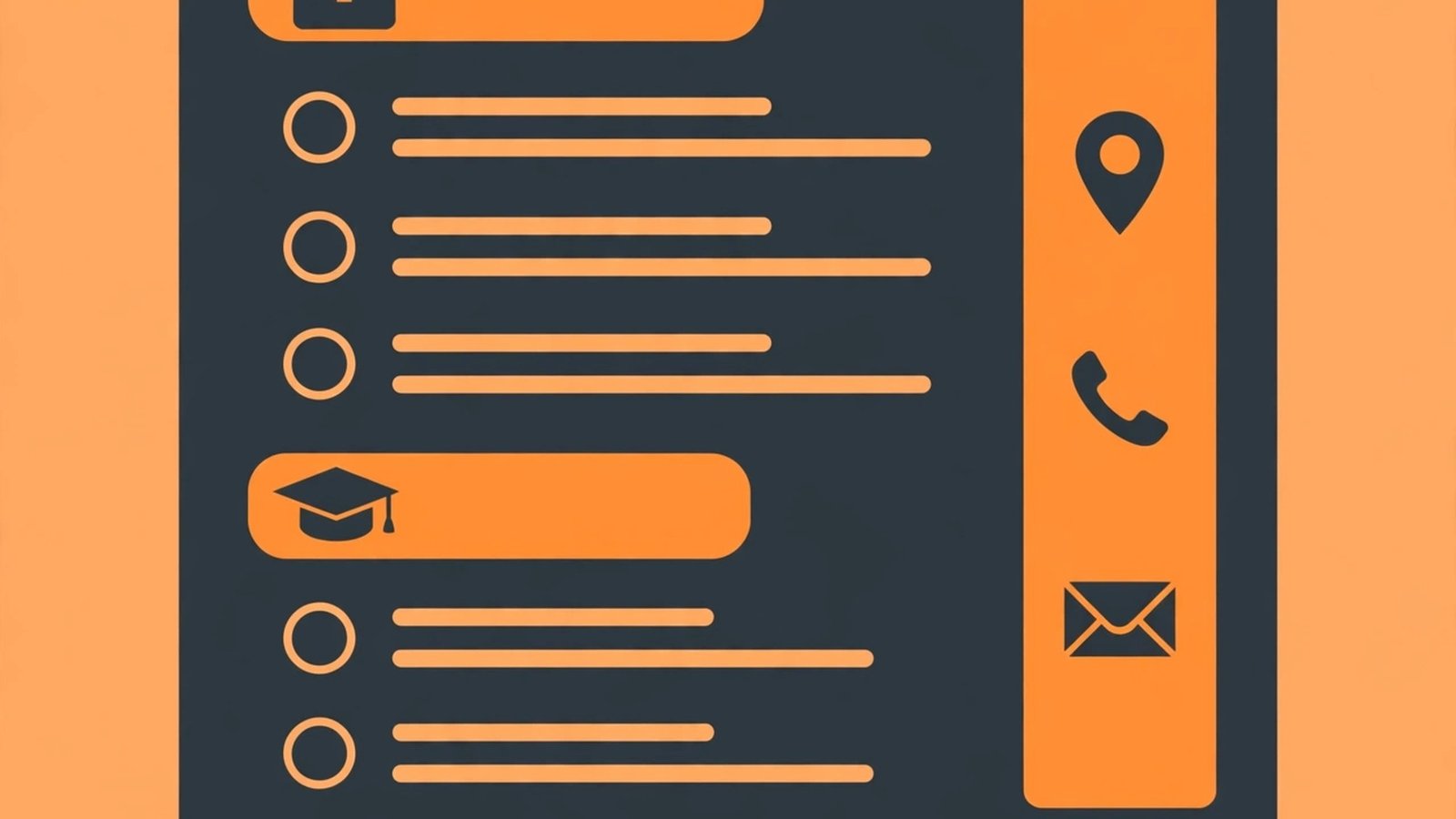
Building your resume takes about thirty minutes. Follow these steps.
- Gather your details first. Before you open the tool, write down your jobs with dates, your three best achievements per job, your education, and your skills. Having the facts ready makes the whole job faster.
- Pick a clean, simple template. Choose a single-column layout with clear headings. Fancy two-column designs and graphics look creative, but automated systems often fail to read them.
- Fill in each section. Start with your name and contact details, then a two-line summary, then your experience in reverse order (newest first), then education, then skills. Use bullet points, not paragraphs, for your experience.
- Tailor it to the job. Read the job description, find the skills and keywords it repeats, and make sure those words appear naturally in your resume. A tailored resume beats a generic one every time.
- Download as PDF and proofread. Download the PDF, open it, and read it slowly. Check every date, every spelling, and every link. Then save a copy with your name in the file name, such as “Ayesha-Khan-Resume.pdf”.
Making Your Resume ATS-Friendly
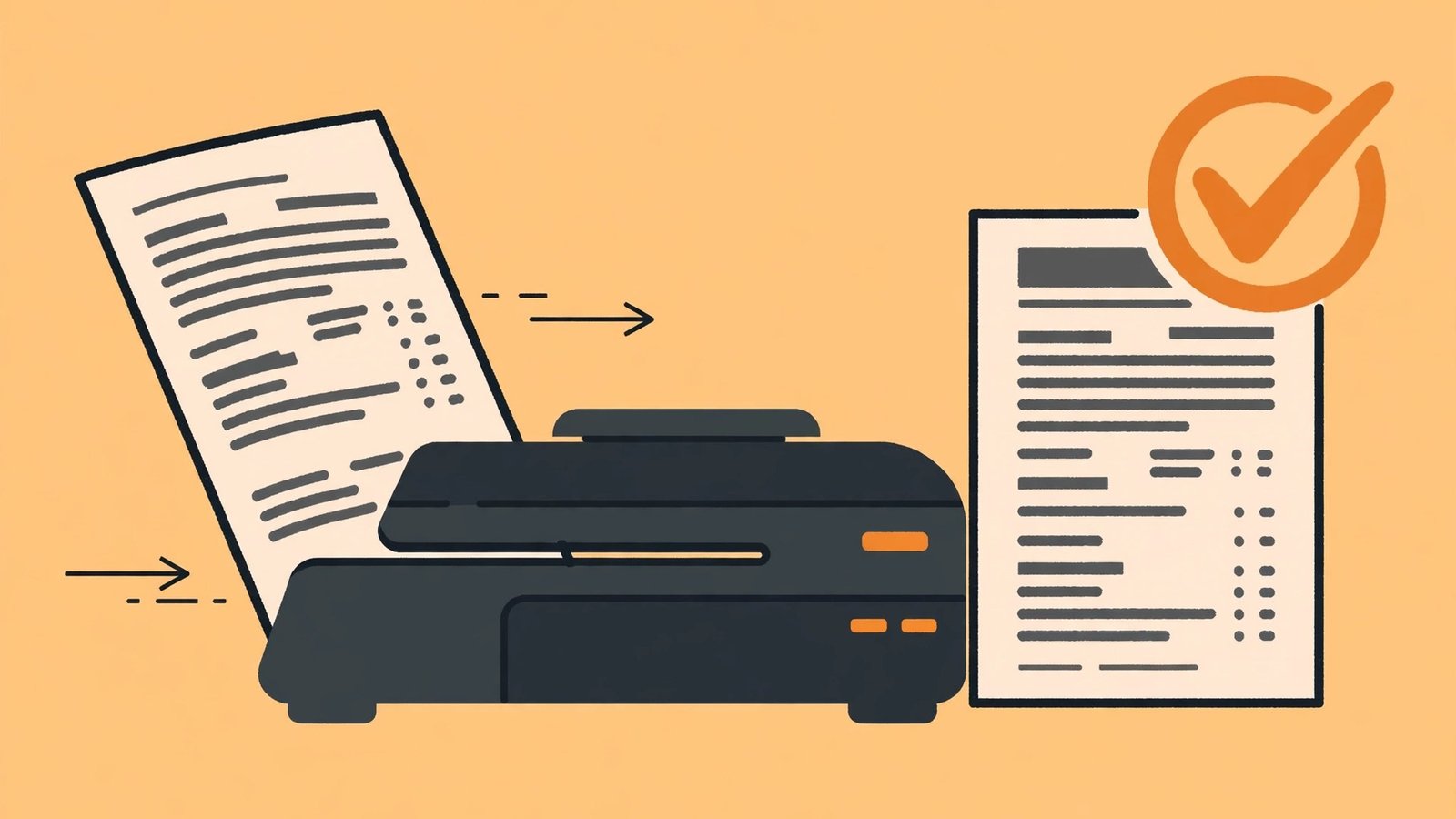
Most large employers use an Applicant Tracking System (ATS) to screen resumes before a human ever sees them. The ATS reads your file, searches for keywords from the job description, and scores how well you match. A resume that fails this screen never reaches a recruiter, no matter how good you are.
Keep your resume ATS-friendly with four rules. First, use a standard layout: one column, normal fonts, and simple headings such as Experience, Education, and Skills. Second, use the exact keywords from the job description — if the job asks for “social media management”, write those exact words, not “handled socials”. Third, save as PDF or DOCX as the job asks, and avoid headers, footers, tables, and text boxes, because many ATS systems cannot read them. Fourth, write your achievements with numbers: “grew Instagram followers from 2,000 to 12,000 in six months” proves more than “managed social media”. Numbers are the easiest way to stand out in a system that scans for evidence.
What to Put on Your Resume — and What to Leave Off
A resume is not your life story. It is a one-page argument that you can do this job. If you have under five years of experience, keep it to one page. With more experience, two pages is the maximum. Every line must earn its place.
Include a short summary at the top: two lines that say who you are and what you offer, such as “Digital marketer with 3 years of experience growing small business accounts through SEO and paid ads.” Then list your experience with achievements, not duties. “Wrote 40 articles a month” is a duty; “Wrote 40 articles a month that doubled organic traffic in 11 months” is an achievement. Add a skills section with the tools you actually use, such as WordPress, Google Ads, or Canva, and list certifications that matter for the role.
Mistakes That Get Resumes Rejected
The most common mistake is sending the same resume to every job. Recruiters can tell in seconds, and the ATS can too. Tailor the summary and the keywords to each role, even if the rest stays the same. The second mistake is a resume full of duties and no results. Hiring managers want proof, so every bullet should show what changed because of you.
The third mistake is poor formatting: tiny fonts, cramped margins, and walls of text that nobody reads. Use a readable font size, leave white space, and keep bullets to one or two lines each. The fourth mistake is typos. One spelling error can end your application, because it suggests carelessness. Read your resume out loud, then ask a friend to read it too.
Frequently Asked Questions
Is a free resume builder really free?
Many are free to build and download, but some charge for premium templates or for downloading the PDF. Check the price before you spend thirty minutes building, so you are not surprised at the last step.
What is the best format for a resume?
One page for under five years of experience, two pages maximum after that. Use a clean single-column layout, standard headings, and save as PDF unless the job asks for DOCX.
How do I make my resume pass ATS?
Use a simple layout, the exact keywords from the job description, standard section headings, and no tables or graphics. Add numbers to your achievements so the system finds real evidence of your work.
Should I include a photo on my resume?
In most countries, no. Photos can lead to bias and many ATS systems cannot read them. Leave the photo off unless the employer or the local custom clearly asks for one.
A free resume builder turns a stressful blank page into a thirty-minute job: gather your facts, pick a clean template, tailor it to the job, make it ATS-friendly, and proofread the PDF before you send it. Keep it to one page, lead with achievements and numbers, and send a version tailored to each role. Try a free builder today and have a professional CV ready before your next application. If you want help with your personal brand online, take a look at the services Saharan1 offers or get in touch through our contact section.